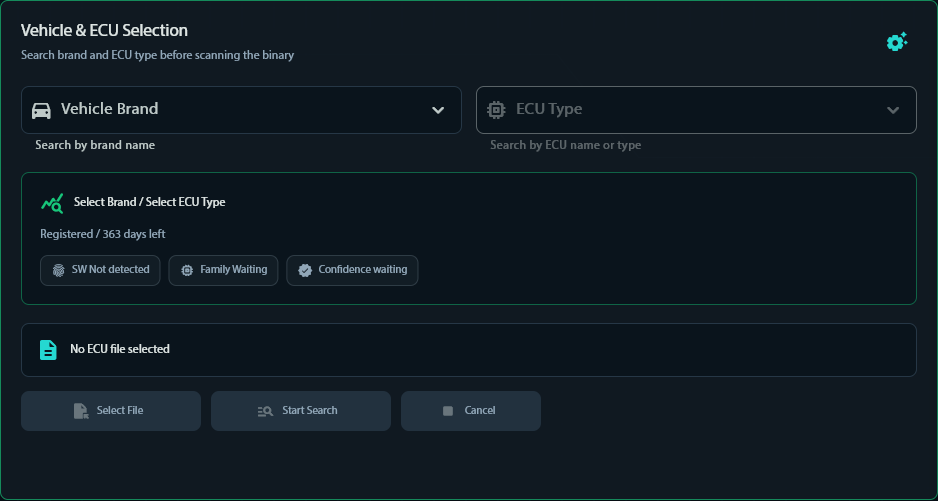
Select vehicle brand and ECU type
Choose the vehicle context and ECU family before uploading the original binary. This keeps the search scoped to the right system.
HOW IT WORKS
The workflow is built around the same sequence used by professional tuning operations: identify, inspect, choose and deliver.
Choose the vehicle context and ECU family before uploading the original binary. This keeps the search scoped to the right system.
Upload the original ECU file and start the analysis. XRemover validates the file, inspects its identity and lists the compatible verified solutions.
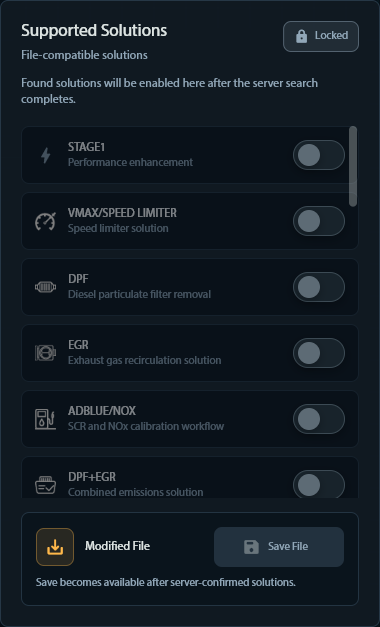
Apply an available solution and download the processed result, or submit a service request when the file needs manual review.
INSIDE XREMOVER V10
Screens from the current XRemover V10.4 desktop application.
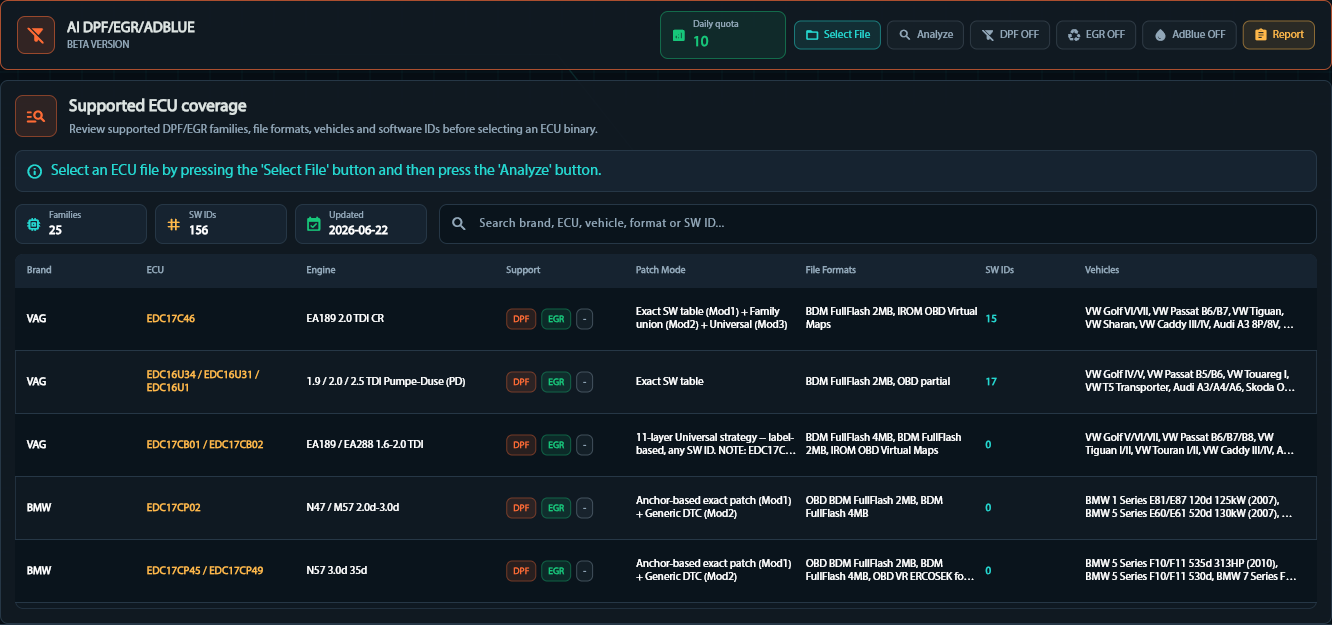
Review supported ECU families, software IDs, file formats and vehicles before an automatic DPF, EGR or AdBlue patch.
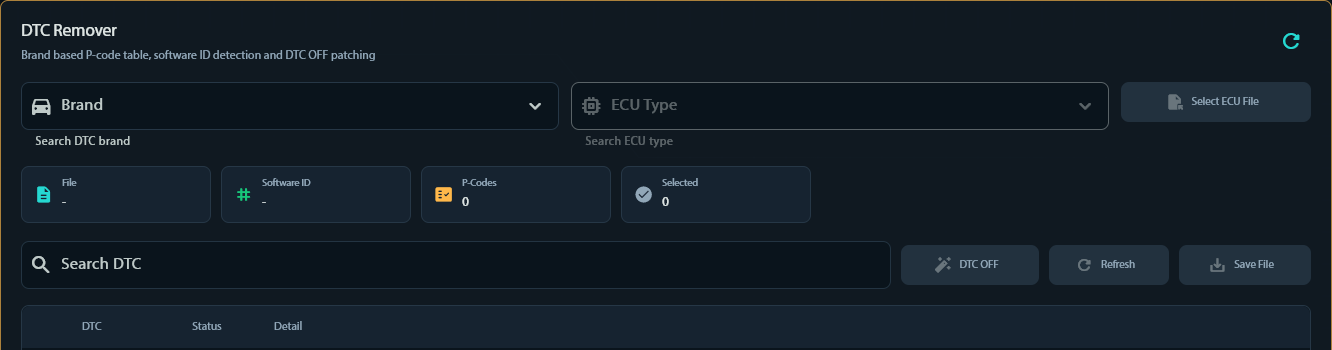
Pick brand and ECU type, load the file and switch individual P-codes off with software ID detection.
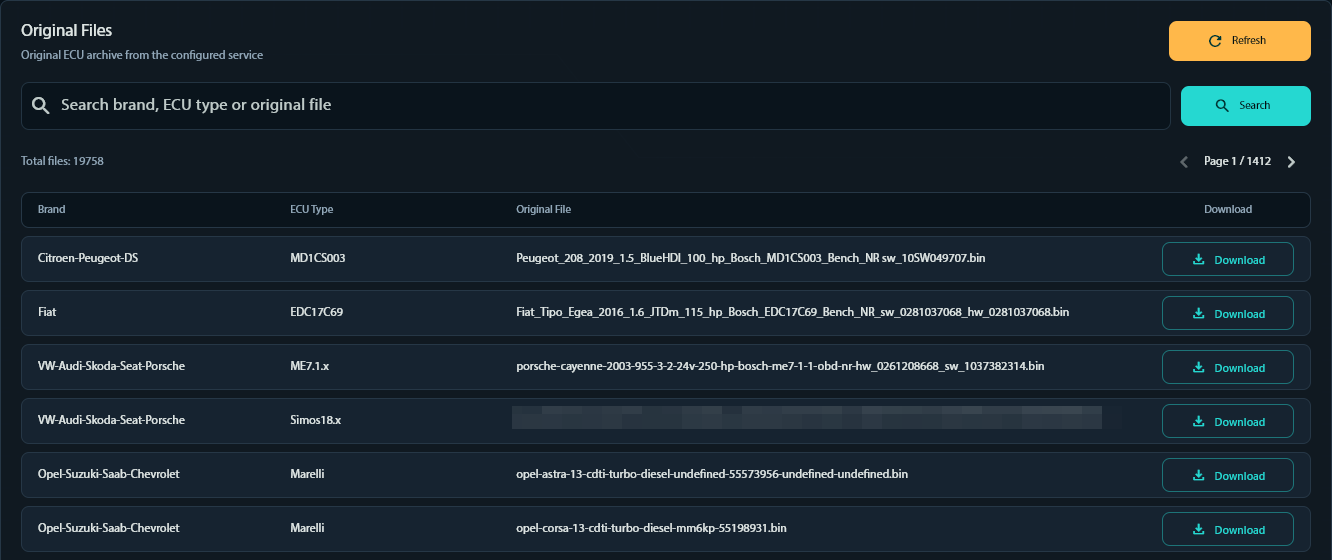
Search a large archive of original ECU files by brand, ECU type or file name.
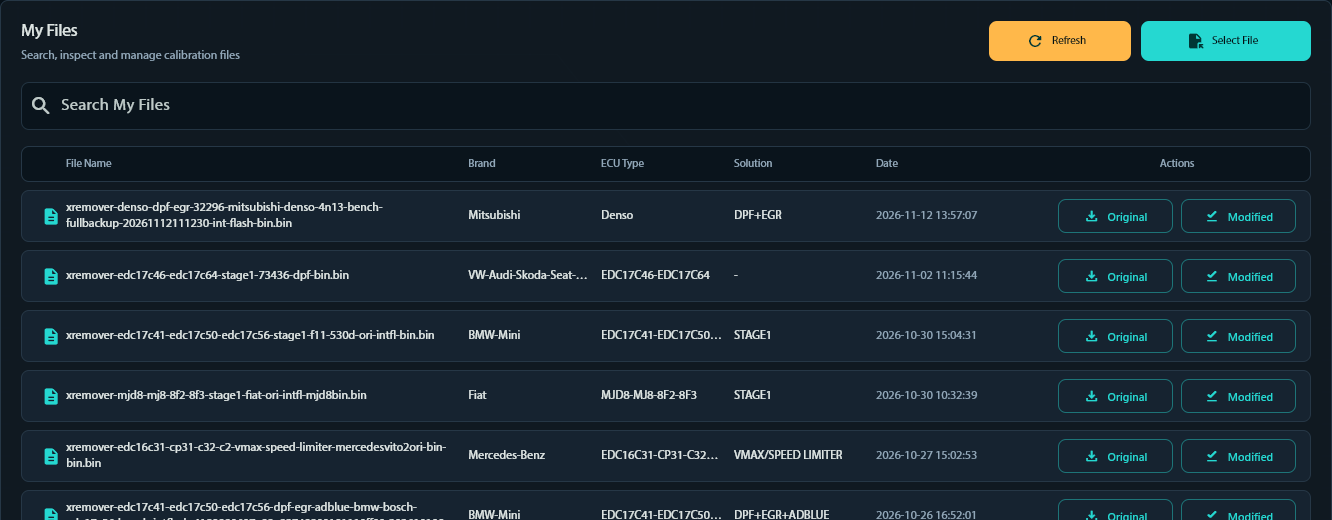
Every processed file stays listed with brand, ECU, solution and date, with the original and modified copies one click away.
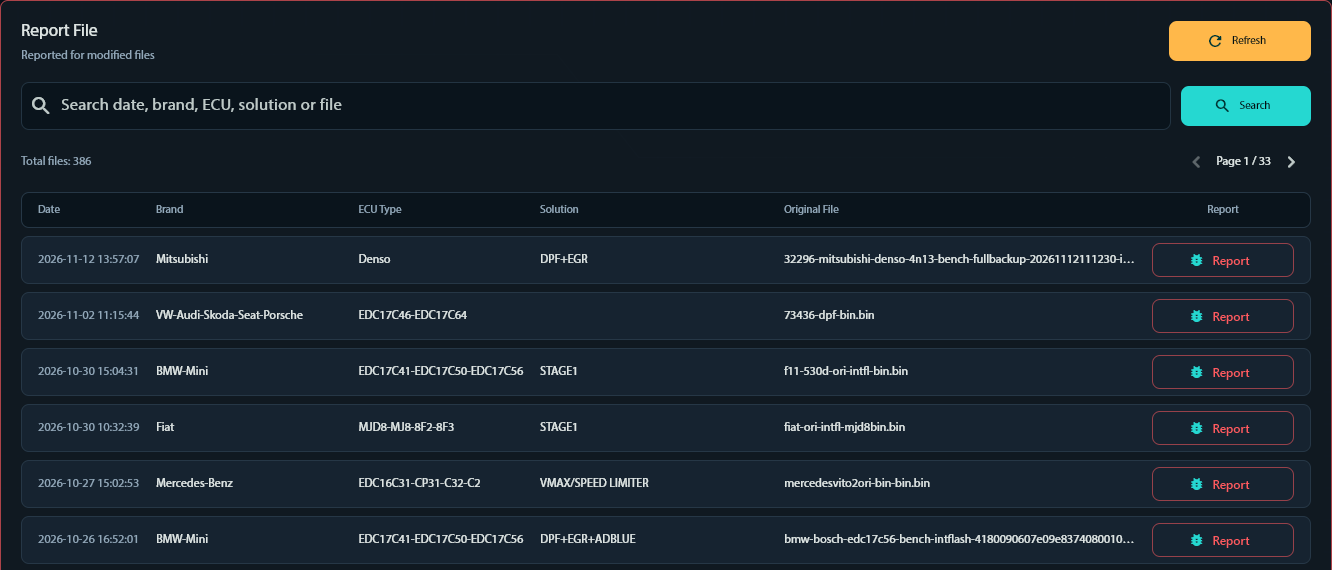
If a solution does not behave as expected, report the modified file directly from its history row.

Licence status, remaining days, version and daily download limits at a glance.
See the workflow in motion
The visual walkthrough covers vehicle selection, file analysis and solution selection. The authenticated workspace is the source of truth for your own files.